
Redact a PDF online
so the text is really gone
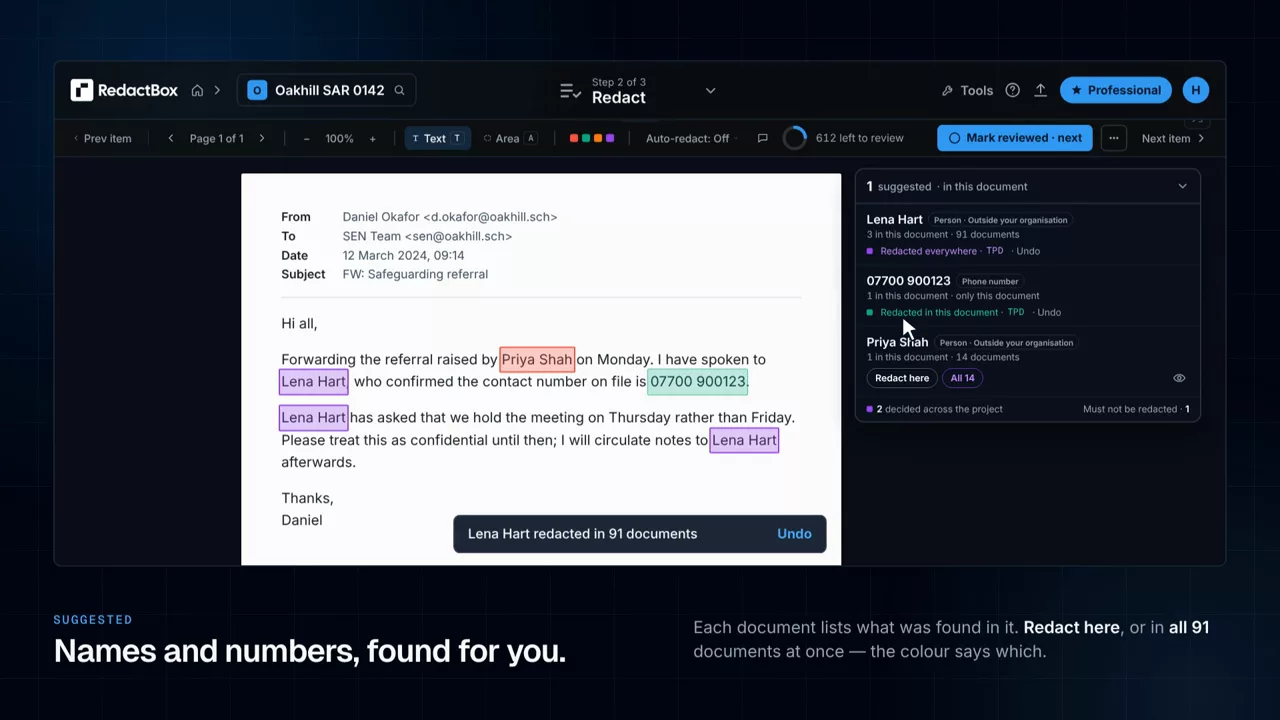
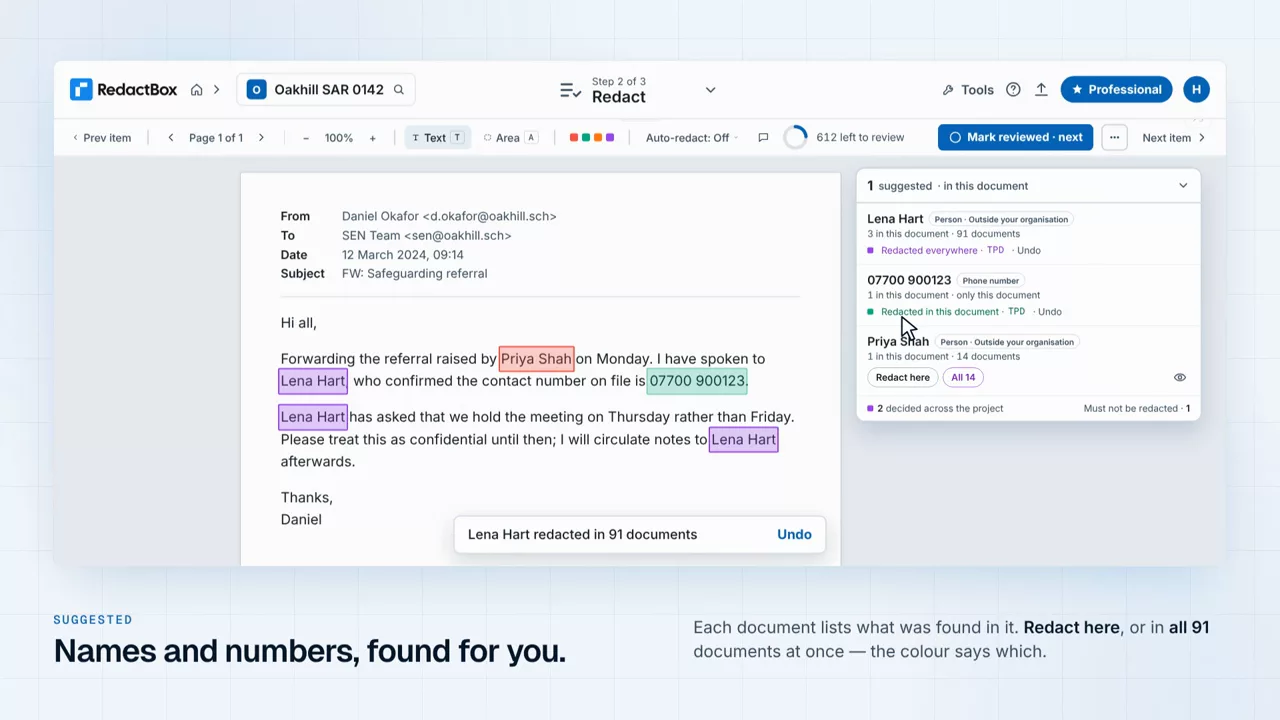
Select text, draw boxes or find every name at once, then download a PDF with the redacted pages flattened, so nothing under a box can be copied out. It runs in your browser, with nothing to install.
Why a black box isn’t redaction
Redaction means the text is gone from the file, not drawn over.
The text is still there
A black box or highlight in a PDF editor often sits on top of the words. Anyone can select, search or copy them back out of the file.
Page by page is slow
Reading a long PDF line by line to find every name takes hours, and it is easy to miss one.
A missed name can be a breach
Sending someone else’s personal data by mistake can be a personal data breach under UK GDPR.
How to redact a PDF online
Three steps in RedactBox’s Redact a document tool.
1
Add your PDF
Open Redact a document and drop in the PDF. There is nothing to install.
2
Mark what goes
Select text, draw a box over a signature or photo, or find a name and redact every match. Give each one a reason, and undo any of them until you download.
3
Download the redacted PDF
Redacted pages are flattened, so nothing under a box can be copied out. Add a schedule of redactions or a password if you need one.
Word files and scans too
You can redact a Word, PowerPoint, spreadsheet or scanned file the same way, and download a flattened PDF. It’s free for one document at a time. Redact a document
Questions
Try it on your next request
Free for one document, no card needed.