
Hundreds of redactions in one click
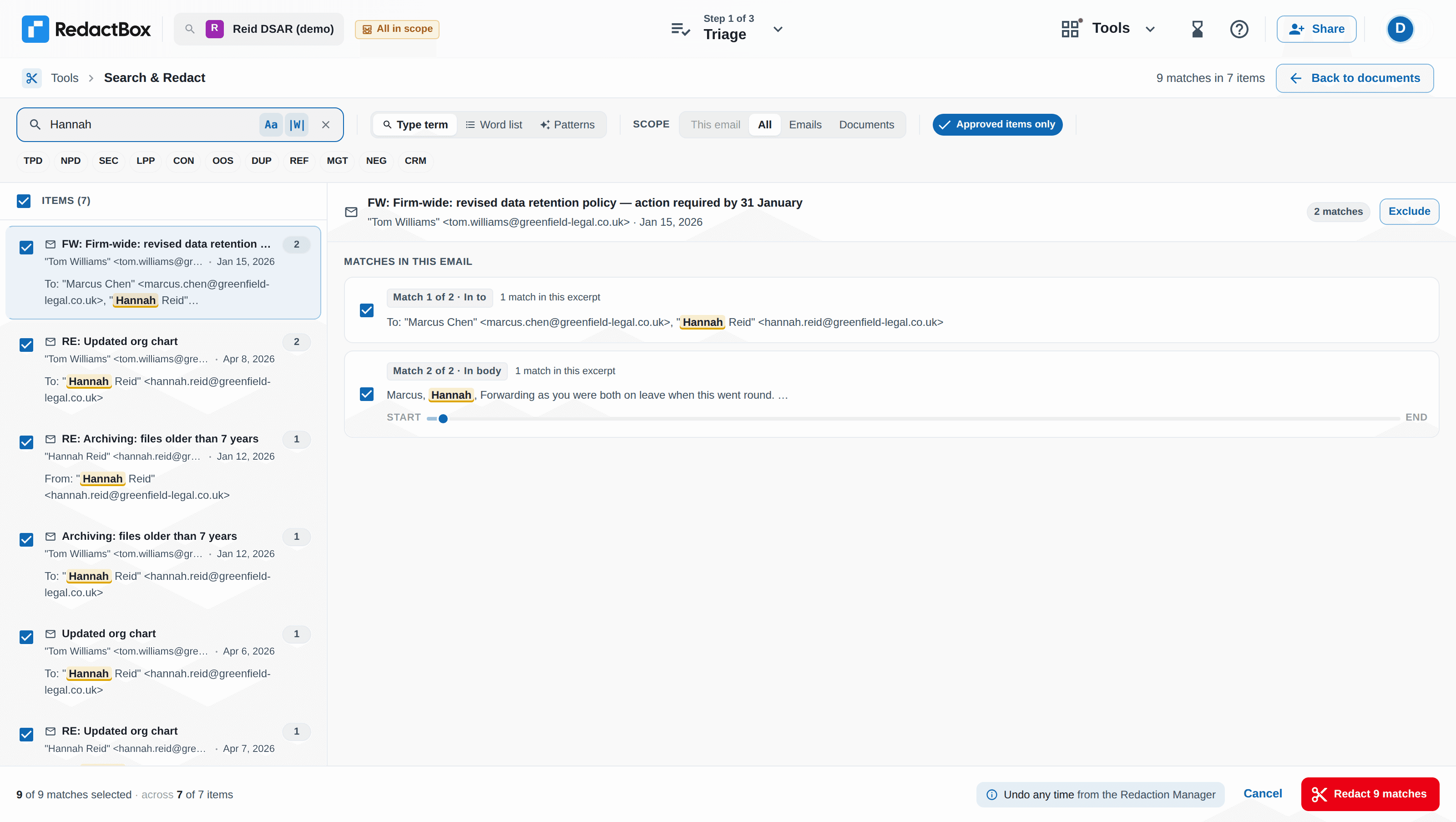
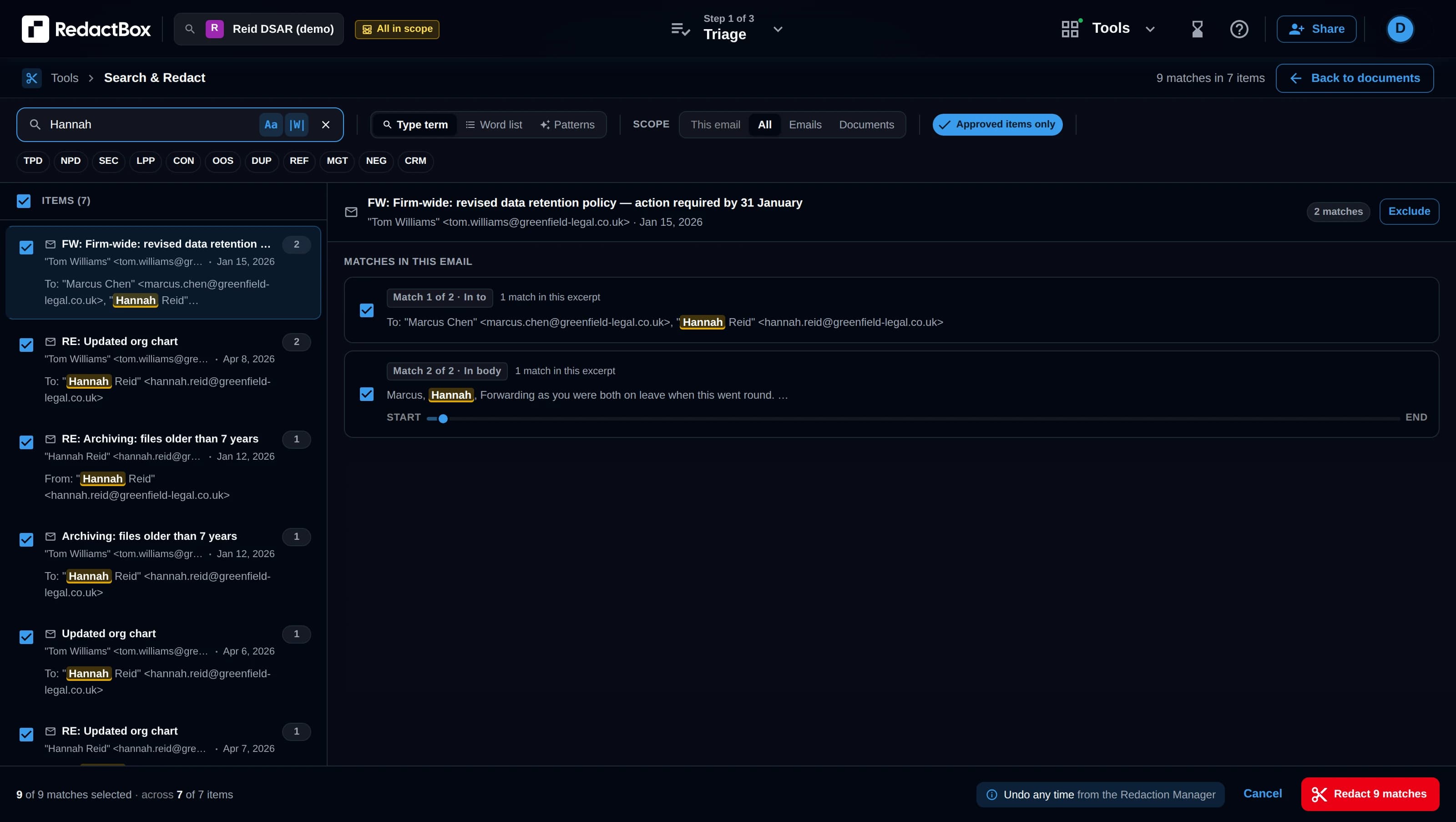
Build a word list inside your project, or upload a .txt or .csv, and redact every match across every email and document in a single pass.
Built for teams that redact the same things every week
Lists live inside the project so every audit picture is self-contained. Bring your own from a CSV, or build one in seconds from scratch. You preview every match before it is redacted, and each redaction is tagged in the audit log.
Build a list inside any project
Type terms straight in, or paste them. Each project keeps its own lists, so the audit picture for each request is self-contained.
Import from .txt or .csv
Already maintain staff names or employee IDs in a spreadsheet? Upload the file and RedactBox imports it as a list in seconds.
One-click apply
Pick a list, preview the matches, run. Every match across every email and document is redacted in a single pass.
Multiple lists per project
Keep PII, internal terms, third-party identifiers and FOI-exempt phrases in separate lists. Combine them on the same run.
Tag and categorise
Label each list by purpose, such as SAR PII, FOI Section 40 or eDiscovery privilege, so the right one is easy to find.
Audit-tagged
Every redaction made from a list is recorded in the audit trail with the list name and matched term.
Where saved lists pay off the fastest
SAR / DSAR teams with a known set of staff to redact
Drop your existing staff-names CSV in, run it against the requester archive, and clear the bulk of the work in one pass. Spend the rest of the time on the judgement calls.
FOI responses with section exemptions
Build separate lists for Section 40 (personal data), Section 31 (law enforcement) and Section 36 phrases. Apply per exemption, with every redaction tagged in the audit trail.
Education records teams
Import a list of pupil names or staff names from your MIS export. Apply across every records request that lands on your desk.
Legal and eDiscovery
Privilege phrases, witness names, custodian identifiers: type them in or import from a CSV and run against every disclosure batch in the matter.
Questions
Bring your own list. Or build it in seconds.
Start with a free account, drop a .txt or .csv into your project, and clear the bulk of your redaction work in a single pass.