
Search & Redact
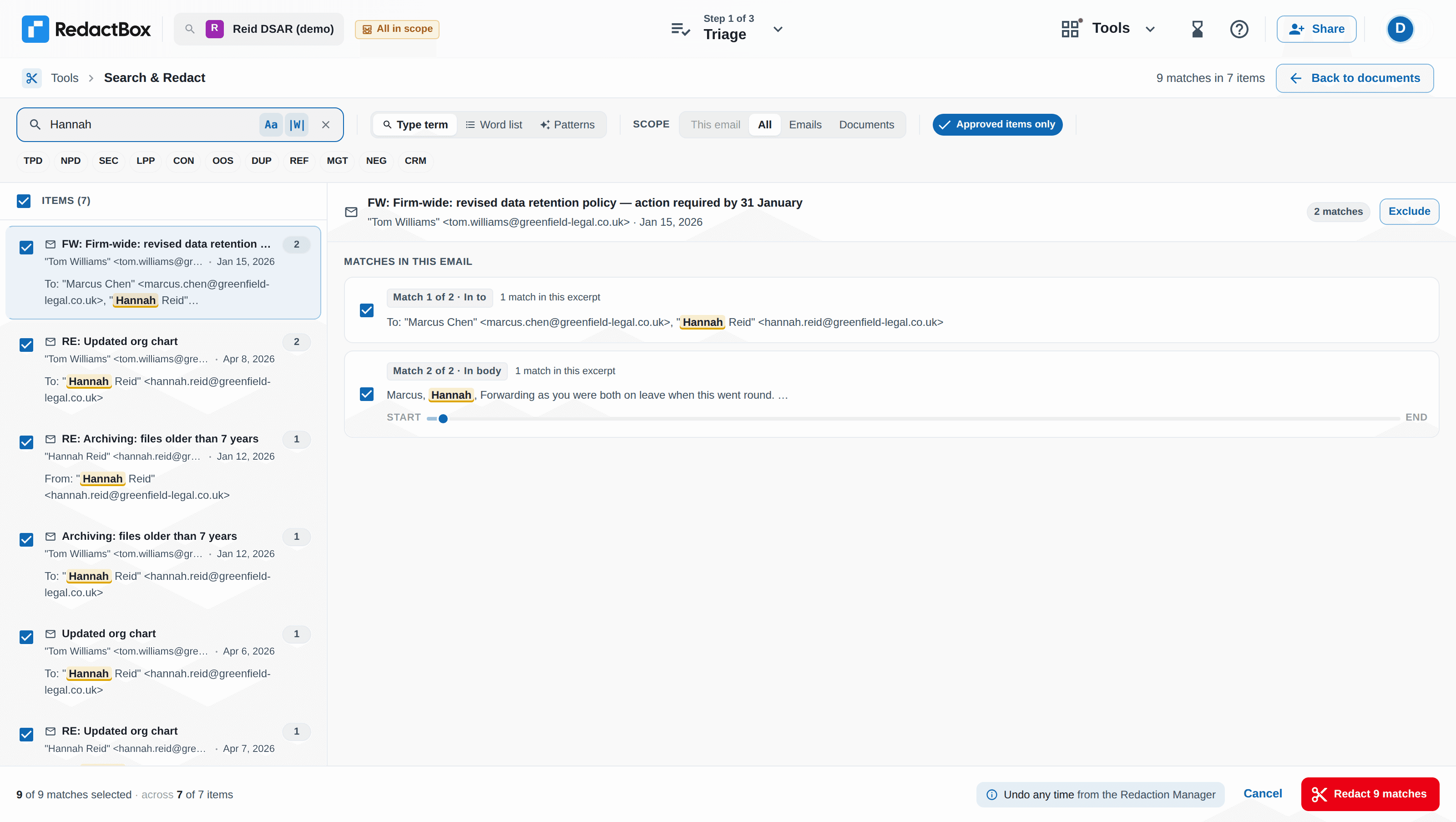
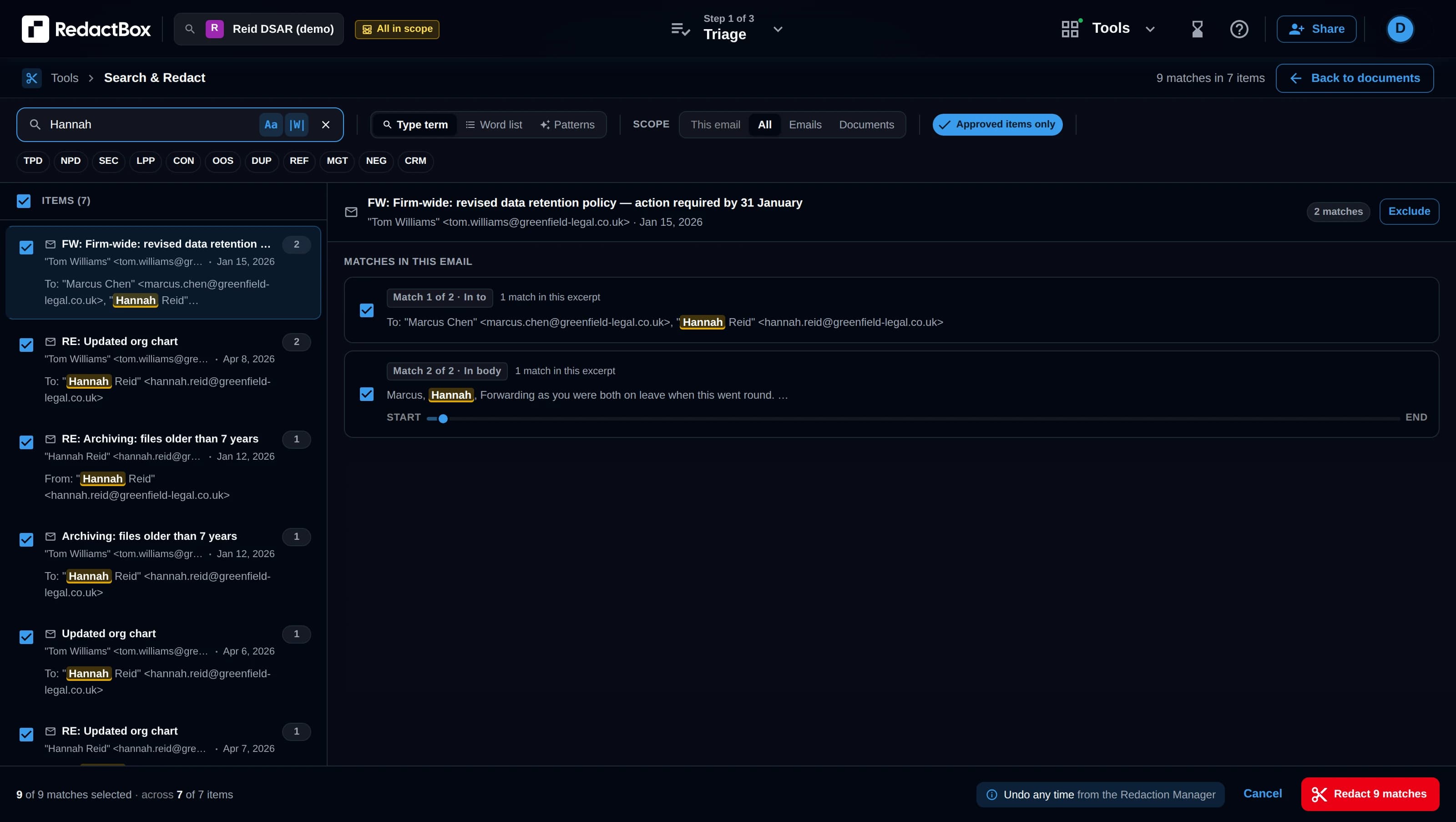
Find any term across thousands of emails, check every match, then redact them all with one click.
How it works
1
Search
Enter any term: a name, email address, phone number or phrase. Search across all emails at once.
2
Preview
Review every match across your entire archive. See exactly where each term appears and in what context.
3
Redact
Click once to redact every occurrence across your archive. No need to go through each email individually.
Why Search & Redact?
Process Subject Access Requests and FOI responses in far less time.
Process thousands of emails
Search across your entire archive in seconds, whatever its size.
Preview before redacting
Review every match to prevent accidental over-redaction.
Consistent redaction
The same term is redacted the same way everywhere it appears.
Precision search options
Search & Redact offers flexible options to match exactly what you need.
Case-sensitive matching
Distinguish between "Smith" and "SMITH" when precision matters.
Whole-word matching
Search for "John" without matching "Johnson" or "Johnny".
Partial matching
Find all variations of a term across your archive.
Common use cases
Search & Redact is particularly useful in these situations.
Third-party names in SARs
Find and redact every mention of people who aren’t the data subject.
Contact information
Remove phone numbers, email addresses and other personal details that shouldn’t be disclosed.
Sensitive phrases
Redact specific project names, code words or confidential terms across all documents.
FOI exemptions
Apply consistent redaction to commercially sensitive or legally privileged content.
Also available: Highlight to Redact
Prefer to work directly in your emails? Highlight to Redact lets you select text in any email and redact matching content across your entire archive.
Learn more about all featuresRedact current email only
Make targeted redactions in a single email.
Redact across all emails
Apply the same redaction to matching text throughout your archive.
Questions
Save hours on your next request
For a typical SAR with 500 emails, manually searching for and redacting a single name might take 30 to 60 minutes. With Search & Redact, the same task takes under a minute.